
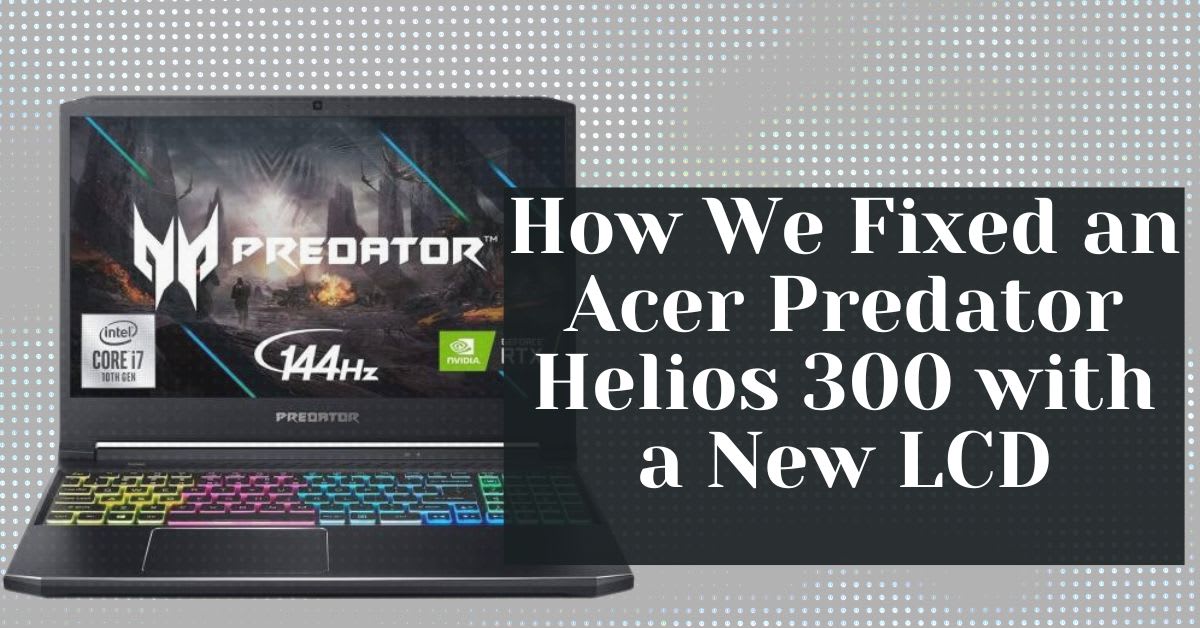
We recently had a customer bring in their Acer Predator Helios 300 gaming laptop with a screen that was flickering, showing strange horizontal lines, grainy display, and messed-up colours. If you own one of these laptops, you might’ve seen the same thing—it’s a pretty common issue with the Helios 300 after a year or two of use.
Thankfully, the fix was straightforward—and the laptop was back to perfect in no time.
The Challenge
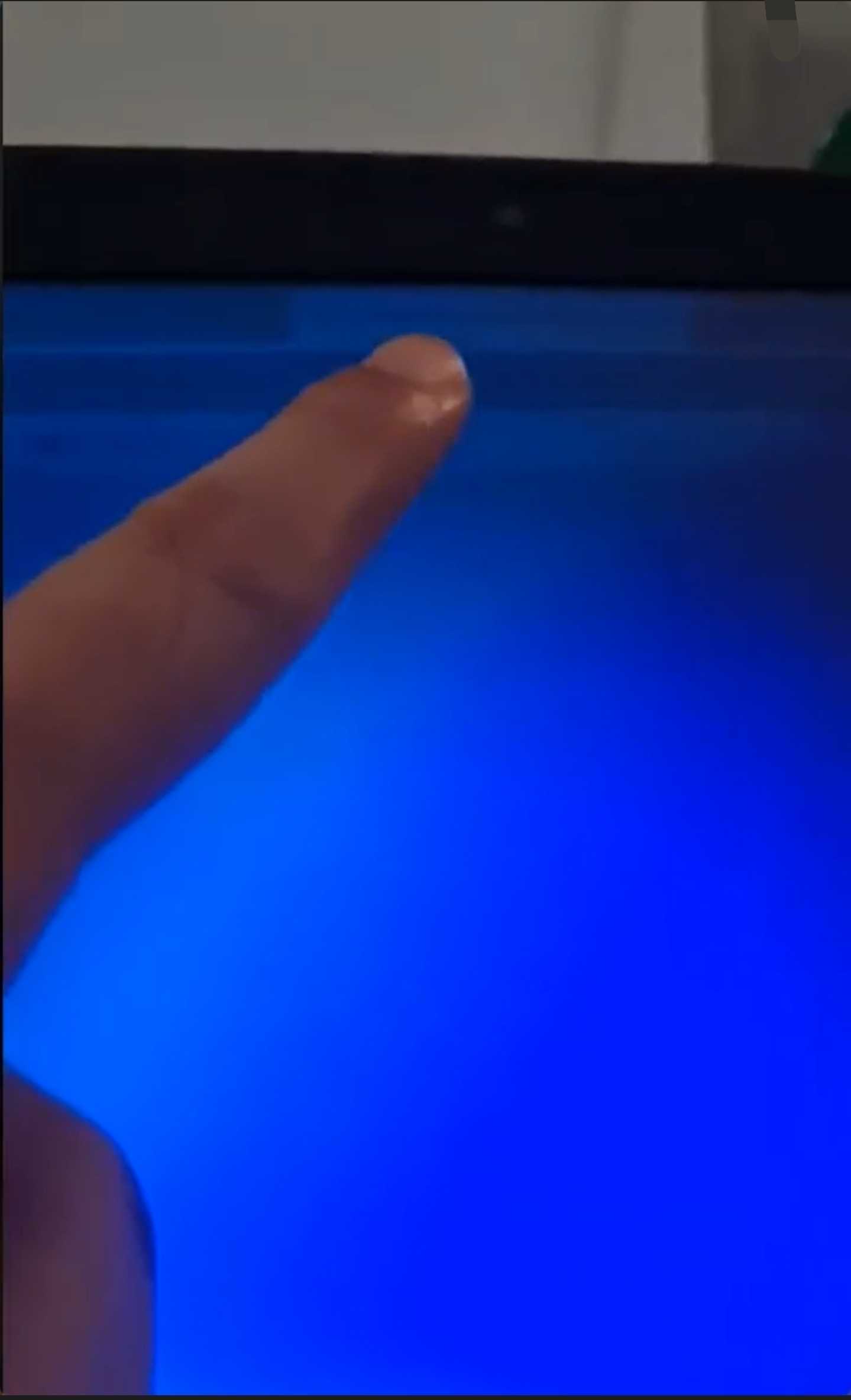
The screen was barely usable. It flickered constantly, the colours were off, and there were strange horizontal lines across the display. For a gaming laptop, that kind of issue makes it impossible to play, stream, or even do basic tasks properly.
Understandably, the customer was worried it might be a graphics card issue, which could mean a much more expensive repair. But they did the right thing—brought it straight to us so we could properly diagnose it.

The Process
First, I plugged the laptop into an external monitor using HDMI. The display looked perfect on the external screen, which told me the graphics card was working fine—the problem was with the internal LCD.
To fix it, I carefully:
- Disassembled the base of the laptop
- Disconnected the battery to avoid any power damage to the motherboard
- Removed the bezel and the faulty screen
- Installed a brand new screen—identical to the original for full compatibility
We always make sure to source replacement parts from the best suppliers, and whenever possible, we use parts from the original manufacturer to ensure quality and reliability.
Before reassembling everything, I powered it on to make sure the new screen worked smoothly. Once tested, I put the laptop back together and did final checks to confirm everything was running properly.
The replacement screen arrived in just 1–2 business days with express shipping, and the installation took around 3–4 hours.
The Result
The new screen worked perfectly—no more flickering, no lines, no distortion. The display was crisp and clear again, and the customer was thrilled to get their powerful gaming laptop back in action.
If your Acer Predator Helios 300 has a flickering screen or strange display issues, don’t stress. Bring it in—we’ll figure it out and fix it fast, just like we’ve done for thousands of happy customers.
Acer Predator Helios 300 Screen Repair
100% success rate
We’ve had 100% success rate on all Acer Predator Helios 300 screen repair so far
24-hour turnaround time
The screen repair was completed within 24 hours with no issue
1 year warranty
The screen repair comes with 1-year warranty


