The Challenge
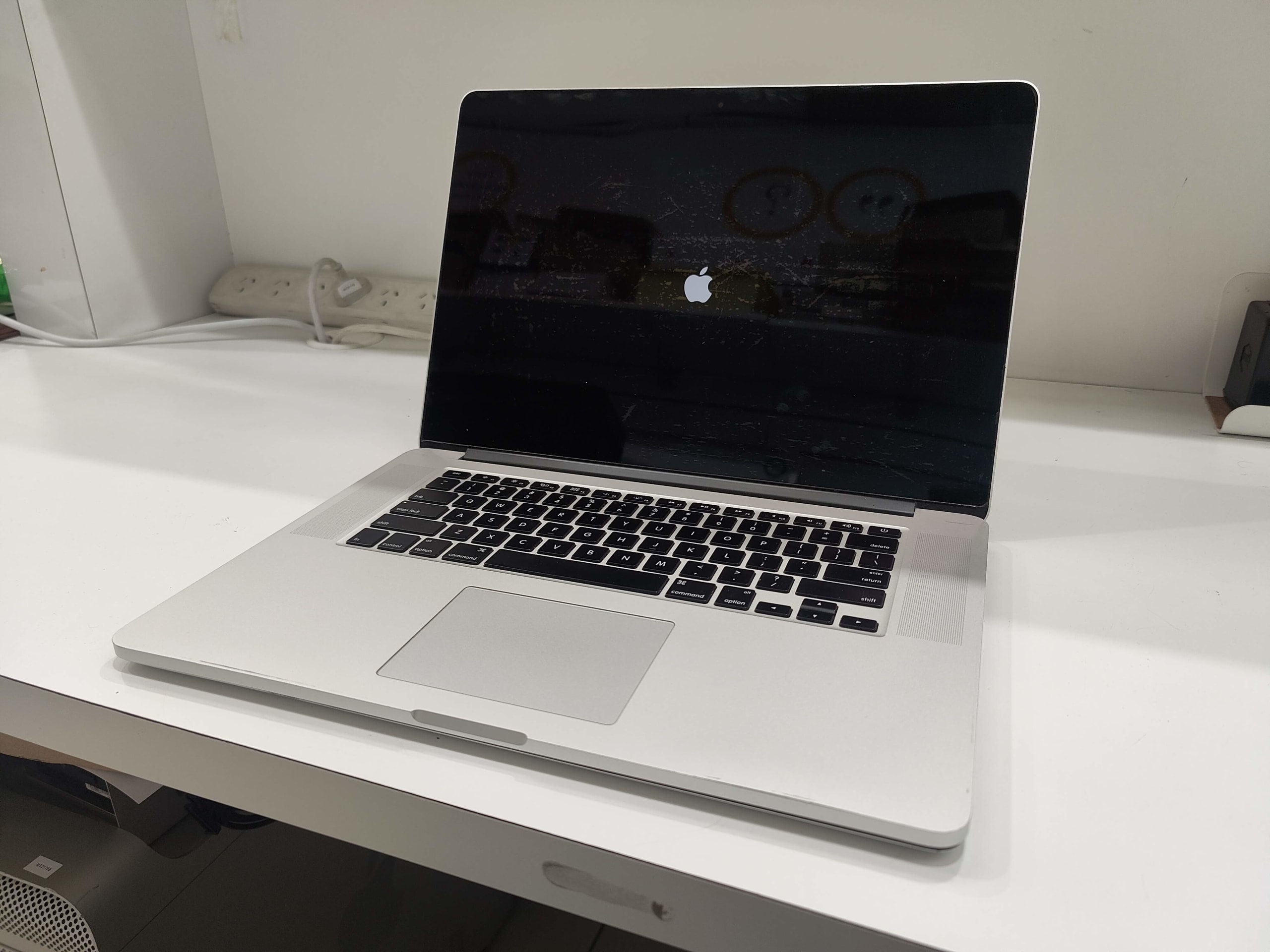
This Apple MacBook Pro 15-inch laptop showed the dreaded folder icon with a question mark — a common sign that macOS can’t locate a startup disk. The customer couldn’t boot into macOS at all. Since it’s a premium machine, replacing it wasn’t ideal. Unfortunately, Apple couldn’t help and referred the customer to us instead.
This kind of issue often points to a failed flash storage or logic board problem. Either way, it’s critical — and time-sensitive — especially if the customer still relies on the laptop for work or study.
The Process
We spoke with the customer over phone and email, laying out several repair options. Once we understood their needs, we organised free pickup and delivery — a convenient choice that saved the customer time.
Here’s what we did:
- Inspected the MacBook Pro and confirmed internal flash storage failure.
- Quoted upfront with a 1-year warranty and “no fix, no fee” policy.
- Installed a genuine Apple flash storage replacement.
- Reinstalled macOS and tested everything thoroughly.
The entire job was completed within 24 hours from pickup to delivery.
The Result
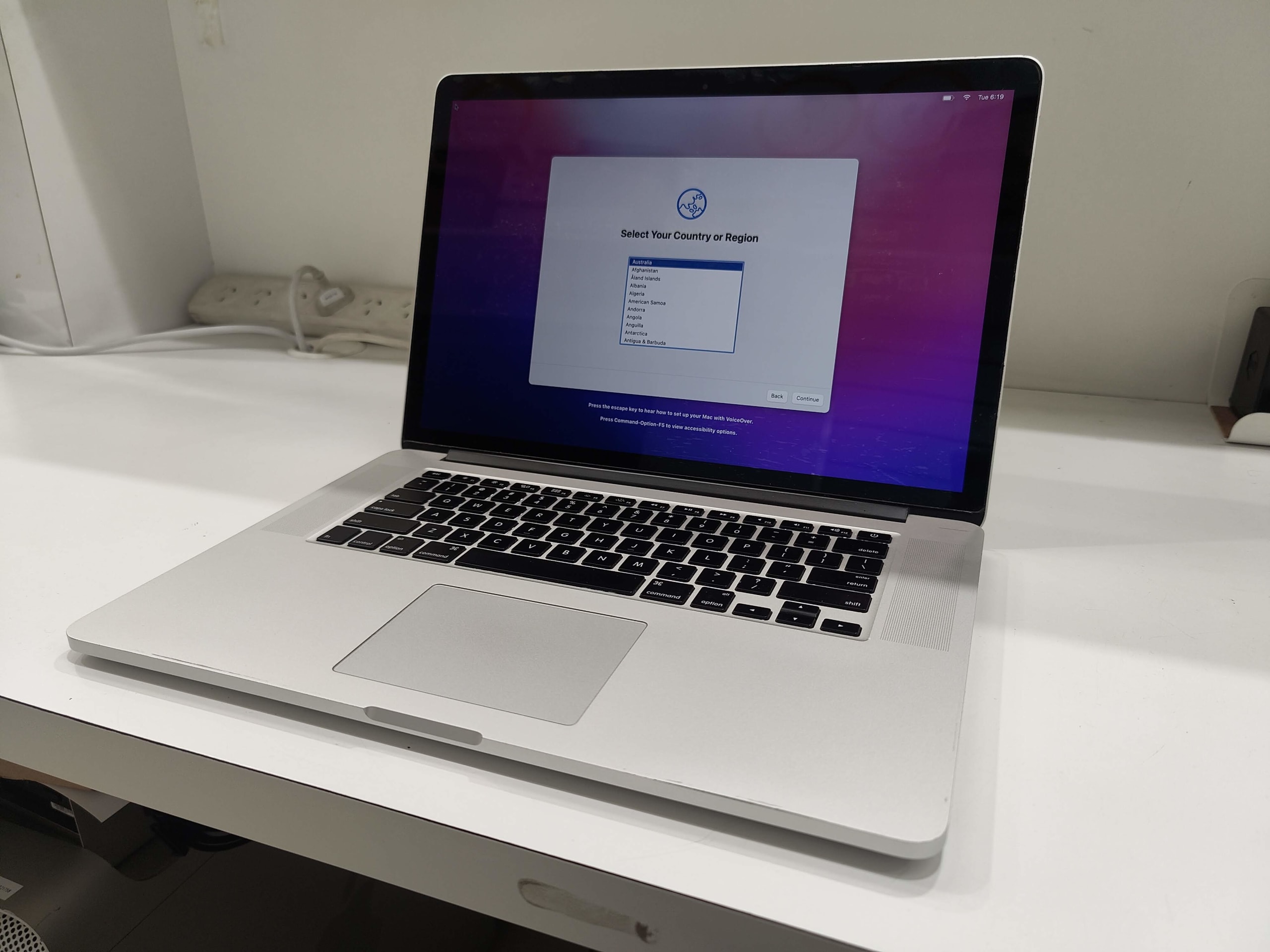
The MacBook Pro was back in action the next day. With the new storage installed, macOS booted instantly and the laptop performed just like new. The customer didn’t lose any time or need to shop around for a replacement.
Apple MacBook Pro 15-inch Flash Storage Repair Kingsford
100% success rate
We’ve had 100% success rate on all Apple MacBook Pro laptop Flash Storage Repair so far
24-hour turnaround time
The Apple MacBook Pro Flash Storage Repair was completed within 24 hours with no issue
90-day warranty
The Apple MacBook Pro Flash Storage Repair comes with 90-day warranty