PC Computer RAM Replacement
From $180
All prices below include parts, installation and GST. The prices are advisory only and are not considered as quotes. The prices may change anytime without notice. We take no responsibility for incorrect pricing on our website.
Have a question? Call 1800 85 83 82 or Request an Estimate
Service Description
Is your computer running slowly, freezing with too many tabs open, randomly restarting, or struggling with everyday tasks? It might be time to upgrade or replace your RAM (memory). RAM plays a key role in how fast and smoothly your computer can run apps, browse the web, and handle multitasking.
Common signs of RAM issues include slow performance, crashing programs, blue screen errors, or your PC using too much of its memory even with only a few tasks open. In other cases, the system may not start at all, or it might beep during boot-up — indicating a memory error.
At Safemode, we diagnose memory problems and replace or upgrade your RAM to improve system speed and reliability. We work with all major PC brands and custom-built systems, including both laptops and desktops.
Pricing Breakdown
Notice: due to AI center demand causing shortage of computer parts worldwide, costs for RAMs, SSDs have skyrocketed. Add $100-$250+ to the prices below for DDR4 RAM. If your PC’s RAM is DDR5 or newer, add $200-$300+ to the price guide. Prices change often, the prices below can be incorrect and need to be confirmed after inspection.
PC computer RAM replacement typically starts from $180+, depending on your system type, the specifications of the memory modules, and how much RAM you’re upgrading to.
Here’s how the pricing usually breaks down:
- $180–$220 → For standard upgrades or replacements using DDR3 RAM (e.g. 8GB or 16GB total). This is common for office desktops, basic home use, or older systems.
- $250-$350 → For standard upgrades or replacements using DDR4 and DDR5 RAM (e.g. 8GB or 16GB total).
- $350–$650+ → For more demanding setups using higher-capacity or higher-frequency RAM, especially when upgrading to 32GB or 64GB total with DDR4 or DDR5
What affects the cost:
- RAM type (DDR3, DDR4, DDR5)
- RAM speed (eg 3200MHz and above) with or without heatsinks or RGB
- Total capacity being installed
- Speed/frequency of the modules
- Compatibility testing with motherboards that have limited support
- Number of channels used (single, dual, quad)
- Whether the system requires disassembly or BIOS configuration
➡ Gaming PCs or performance systems often need larger-capacity or high-speed RAM, which can cost over $250, especially if using newer DDR5 kits or RGB-enhanced modules.
Our Process
- Initial Memory Check – We run memory diagnostics to check for hardware faults, compatibility issues, or performance bottlenecks.
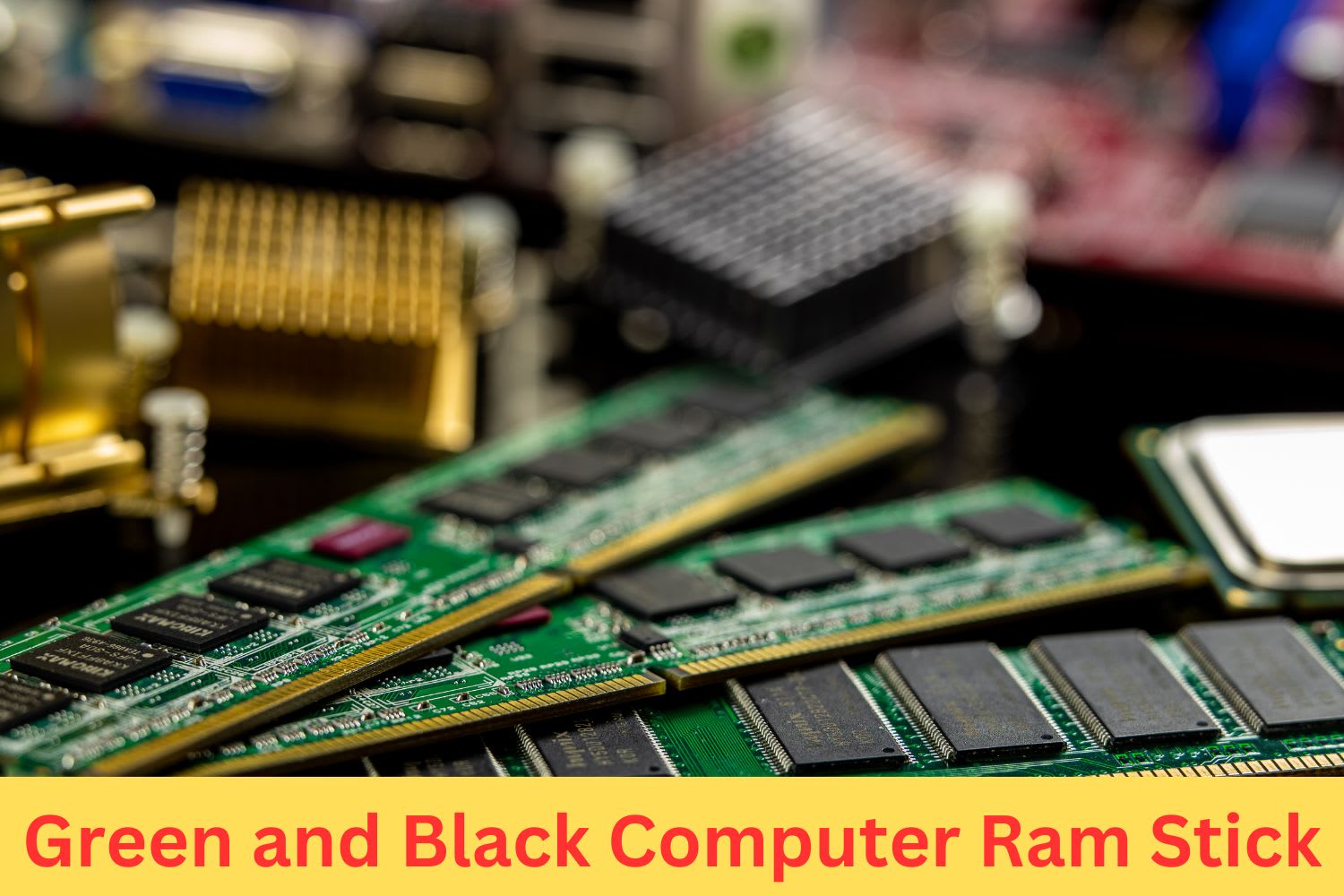
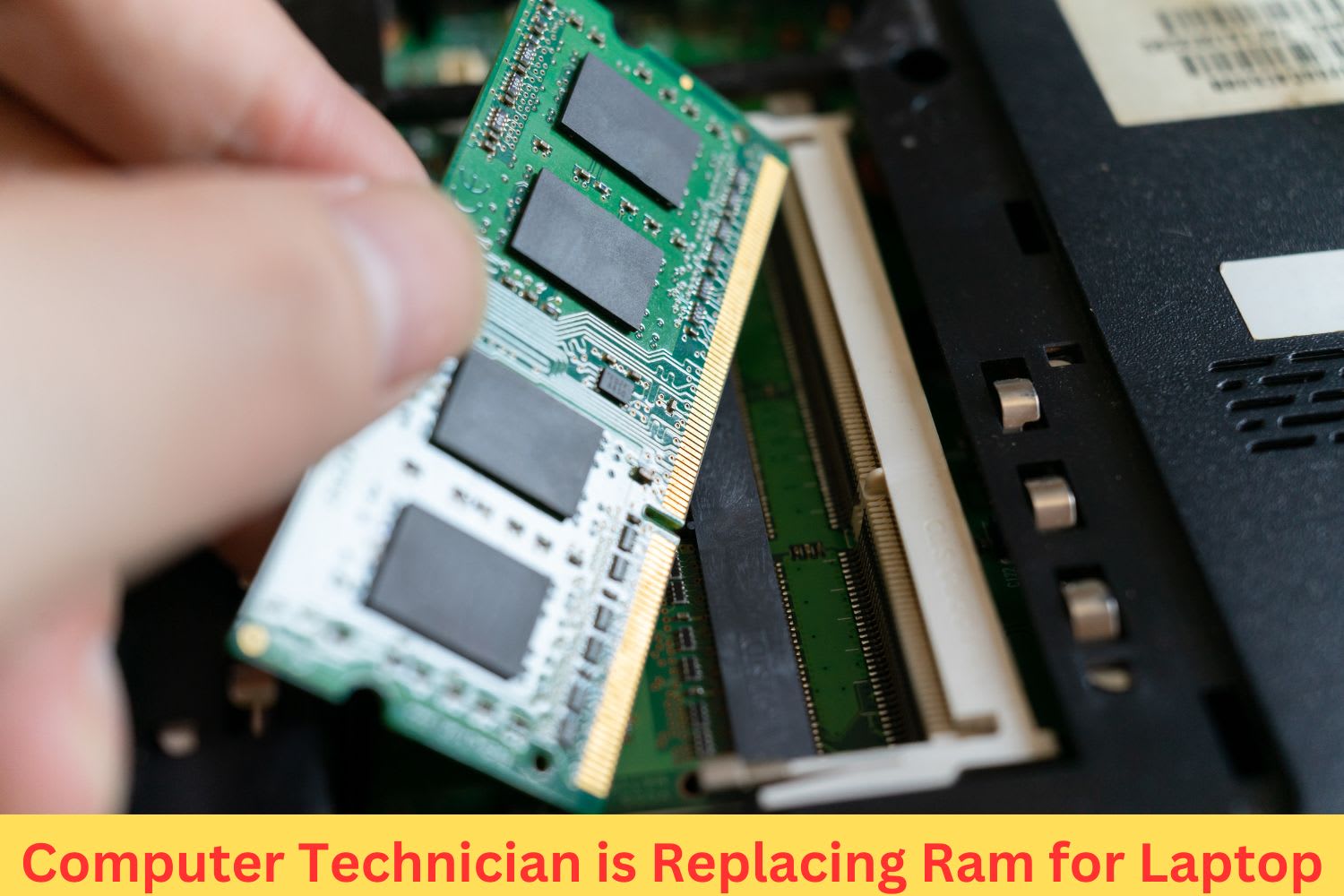
- RAM Removal & Compatibility Match – We remove your current RAM modules and verify the correct type, speed (MHz), and form factor (e.g. DDR3, DDR4, DDR5; SODIMM vs DIMM).
- New RAM Installation – We install new memory that matches your system’s requirements — either replacing faulty modules or upgrading to higher capacity for better performance.
- BIOS & OS Testing – We confirm that the system detects the new RAM, check BIOS settings, and ensure your operating system uses the full memory properly.
- Final Testing – We test system performance under load (e.g. multitasking, browsing, office work) to make sure the upgrade is stable and effective.
The Technical Stuff
RAM upgrades and replacements involve a few key factors:
- Form Factor – Desktops use DIMMs; laptops use smaller SODIMM modules.
- General Compatibility – DDR3, DDR4, and DDR5 RAM are not interchangeable.
- Speed Ratings – RAM speed (e.g. 2400MHz, 3200MHz, 4800MHz) affects performance and must match motherboard support.
- Dual-channel setup – Using matched RAM modules can improve performance on supported systems.
- Operating System Limits – 32-bit Windows is limited to 4GB RAM; 64-bit versions can support much more.
- Faulty modules – Can cause random freezes, crashes, or failed startups.
We always match RAM to your motherboard’s specifications and test thoroughly to avoid compatibility issues.
Our Difference
RAM upgrades are one of the easiest ways to speed up your computer — but only if it’s done right. At Safemode, we test for existing problems, choose compatible high-quality memory, and make sure your system runs faster and smoother after the upgrade.
We’ve replaced and upgraded RAM in thousands of desktops and laptops across every major brand. Whether you’re repairing faulty memory or boosting your system’s multitasking power, we’ll handle it properly and explain everything clearly.